
Guardrails for an AI Assistant
Five rules that keep an AI assistant from doing something slightly wrong under my name, and how each one is enforced.
I use an AI assistant for real work, and what worries me most is a small mistake made quietly under my name. So I gave it five rules:
- Check the writing before anything is sent.
- No invented numbers.
- Anything shared stays a draft until I say yes.
- Important documents go past a review panel.
- Corrections become rules, with my sign-off.
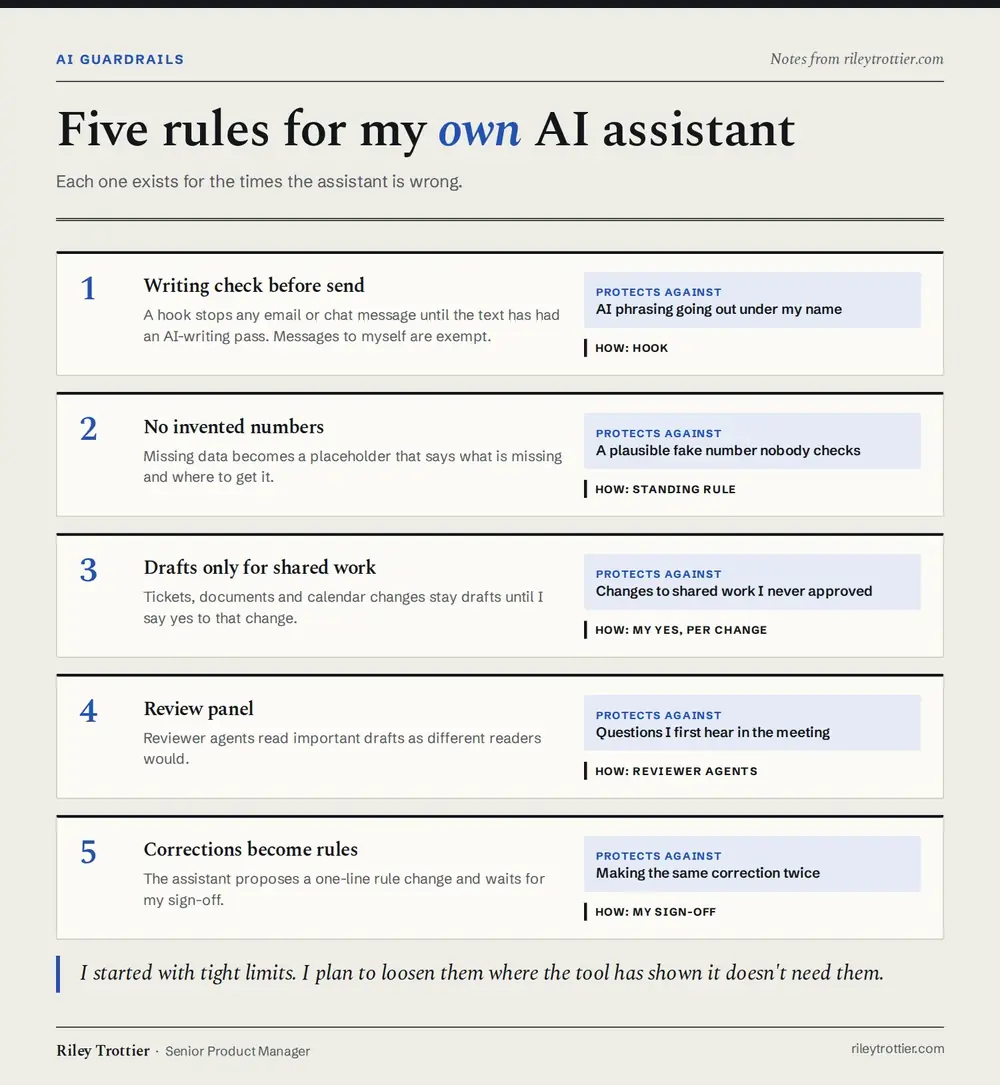
The writing check is a hook. It stops the assistant from sending an email or chat message until the text has been through a pass that strips out AI writing habits, like stacked buzzwords and em dashes in every sentence. Messages to myself are exempt. I've had the same problem on my own projects. Claude drafted a LinkedIn intro for one of my posts that read like AI wrote it, and I rewrote most of it before posting. Now the same check runs on everything I publish, before I even see the draft.
When data is missing, the assistant writes a placeholder that says what's missing and where to get it. In my drafts that shows up as a bracketed note starting with NEED, so I can spot the gap when I read through. A made-up number that looks plausible is worse than an obvious hole, because nobody goes looking for it. It's the same reason I let plain code do the math in the products I work on.
The assistant can draft tickets, documents and calendar changes, but it can't create or change them until I've said yes to that specific change. A yes to one change doesn't carry over to the next. My blog works the same way - Claude gets each post ready, and nothing goes live until I say yes.
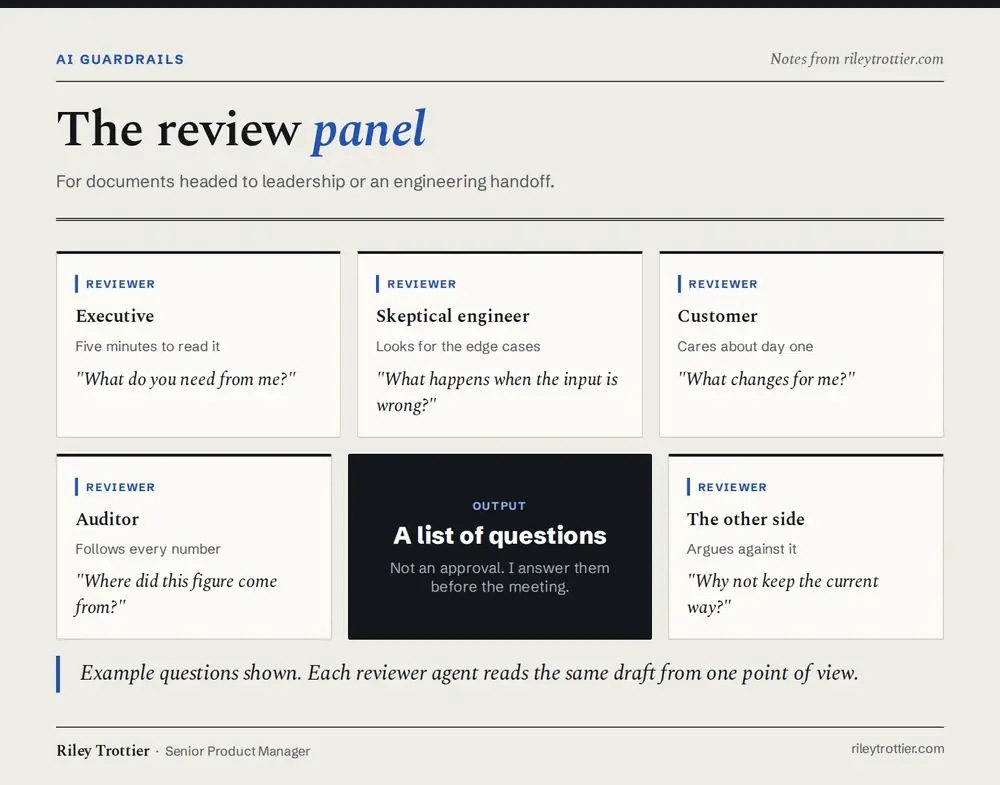
The review panel is for anything headed to leadership or an engineering handoff. It's a set of reviewer agents, and each one reads the draft the way a different person would:
- an executive with five minutes
- a skeptical engineer
- a customer
- an auditor
- someone arguing the other side
What comes back is a list of questions I'd otherwise hear for the first time in the meeting. None of the reviewers can approve anything.
I use the same idea outside work. Before I turned on a monthly security scan for my own apps, I had a second agent review the plan, and it caught two things I'd missed.
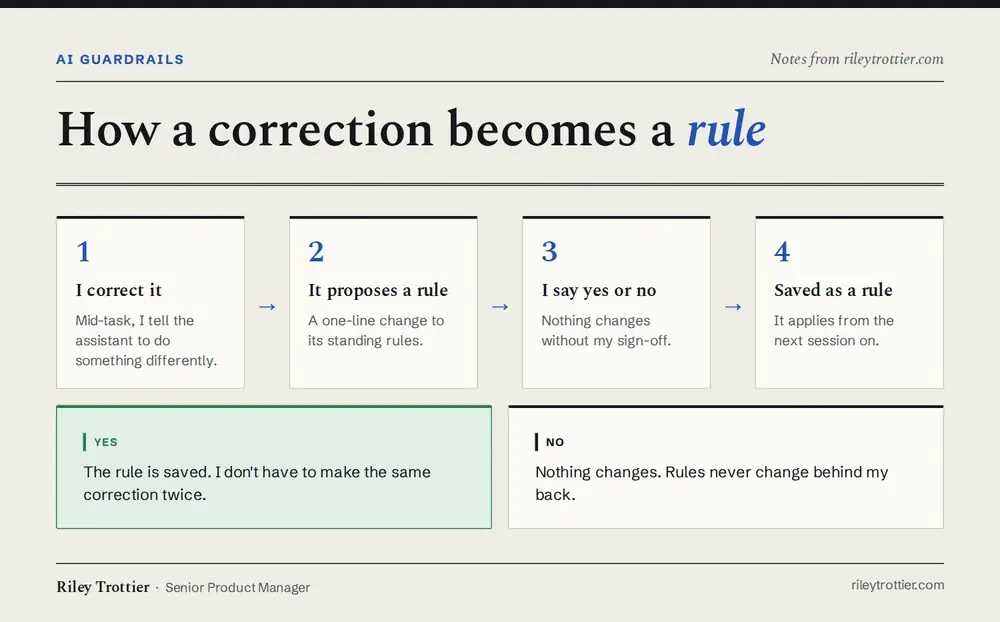
Last, when I correct the assistant, it proposes a one-line change to its standing rules and waits for my yes. Rules don't change behind my back, and I don't have to make the same correction twice.
I've added two rules for my personal projects too:
- Before anything I write goes public, the assistant scans it for work details that shouldn't be shared, and checks with me if it isn't sure.
- It never types a password or creates an account for me, even when that would save a step.
The assistant is right most of the time, which makes it easy to stop checking. I started with tight limits, and I plan to loosen them one at a time where it's shown it doesn't need them.
Views are my own and don't represent Workday.